



Wink Hub Review – Works with Nest and Amazon Echo!
It was time to bring in some of my other smart devices. I have been a Nest user for about a year. I was curious what advantages I might gain by connecting it to my Wink hub and making it part of the whole home automation system. Connecting Nest was again, easy and very straight forward. I selected “add a product.” Selected “heating and cooling.” Then tapped “Nest.” The wizard quickly took me to the Friends of Nest activation portal. I then logged in with my Nest Account information and was done.
After adding Nest to my Wink app, I hardly use the Nest app any longer. Once in a while to look at energy usage and my leaf count, but that’s about the only thing I find missing in the Wink app. You can adjust all the major settings and even get the Leaf icon when you are saving energy! Anyone else like to compete with others in their region on leaf count? We will have to save that for the Smarter Home Automation Nest review.
[sam_pro id=”1_22″ codes=”true”]
Last but definitely not least was one of my favorite personal assistants the Amazon Echo. This was a little different. While you can select Amazon Echo in the Wink app under add a product. You are presented with Instructions on what is needed to add it as a part of the Wink system.
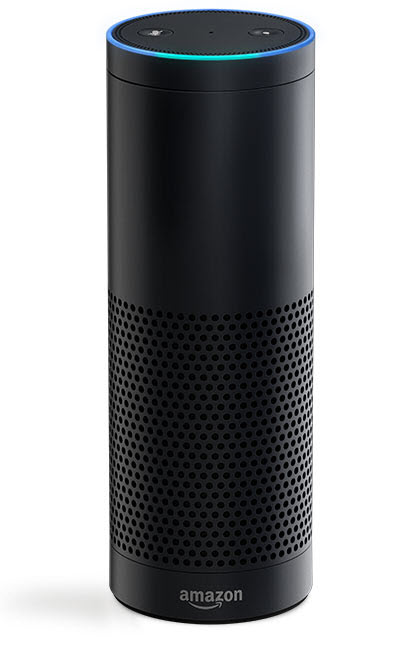
All of the real setup is done in the Amazon Alexia app. Once you add all the devices to the Wink hub and setup all the groups you would like to use. You can make them available to Alexia ( Amazon Echo ) simply by following a couple steps.
Enabling Wink Hub in the Alexia app as the smart home device, then saying, “ Alexa, search for devices “, which Alexa will quickly reply, “ Starting discovery of devices”. After a short while, Alexa will tell you how many devices are now available to her through the Wink hub. Then you can use your voice to control your devices.
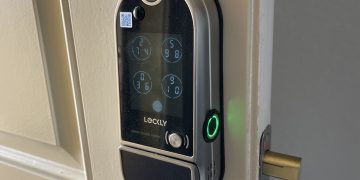
I was easily able to control my lights with simple commands like, “ Alexa, turn on the table lights”. Alexa responds with an OK, then on come the lights. Same goes with all the devices I had connected. One device I did notice that was not supported via voice was the front door lock. Due to security issues, you can not ask Alexa to unlock or lock your front door.
When you think about it.. it would make it easy for someone to yell in a window, “Alexa, unlock the front door”. Then when Alexa responds with that OK.. They would have access to your front door. Same goes with Alarm and security features. Good call there guys! While we make our homes more high tech, security still needs to be an area of attention.