


Greetings New Smart TV Shoppers. I’ve created 3 articles to hopefully provide you some helpful guidance, allowing you to make some “smart choices” when buying your next Smart
Part I: Why Bigger, and Why OLED?
- Why buy a Really Large TV
- OLED – the Best of the Best
- The Quest for perfect blacks – and the best picture
Part 2: Comparing different TV Technologies, and their Pricing
- More on TV technologies: What technology to choose – standard LED TV, Quantum TVs, OLED TVs
- How a TV is backlit makes a big difference
- Pricing – Size and Technology make for big differences
- How Smart? Brands vary by Operating System
- Why add a Sound Bar?
- Bottom Line
————-
Part I: Why Bigger, and Why OLED?
Shopping for your Next, Bigger, Smart TV – What to Know
Should You Supersize your TV?
Of course, you have to have room for a really large TV, and you need to be able to sit at a reasonable distance. If your room is 10×12 feet, it’s very likely that a 100” is just too darn big to be practical, even if affordable. But in a decent sized living room or family room, it can be well, “awesome”, is the term that always comes to mind.
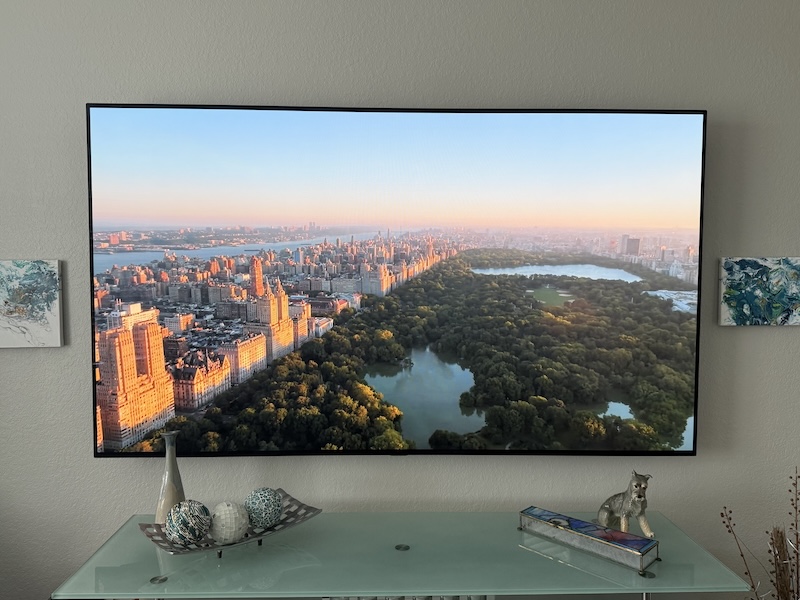
My Recent Upgrade Story:
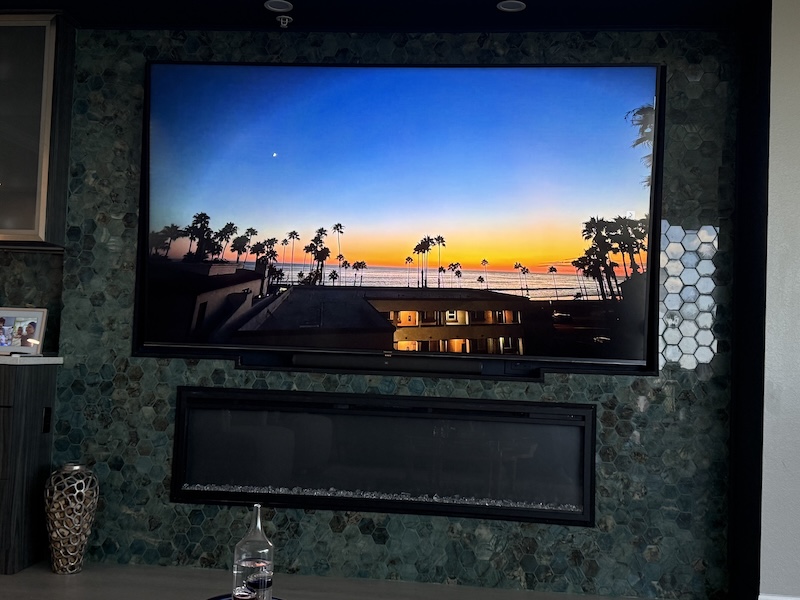
Last year I “traded in” my 77” OLED LG TV for a 100” HiSense “mini LED” TV. When I say “Traded in”, what that really means, is that my perfectly beautiful 77” LG moved to my wife’s “Lounge” – her hang out, replacing the 55” LG hanging there previously.
For her, it was a Win-Win. She not only got a bigger screen (which she really didn’t care about, until she had it), and now loves the upgrade, but also a truly better picture. You see, OLED is, so far, the ultimate TV tech, when it comes to pure picture quality. (More on that later). Her older set was a more basic LG, so she immediately could appreciate better color, deeper blacks and more. BTW her lounge is 13×9 feet. The 77” sits on the long wall, and her couch is on the opposite wall. So she sits just 8 feet away. The 77” is great there – not too big! (but close?)
Myself – I had to take a downgrade in Picture Quality to go for the larger set. I had my heart set on a 97” diagonal LG OLED, but with the discounted prices for that set still hovering around $25,000, it wasn’t even remotely a practical option. (Note, now almost two years later, the 97” OLEDs aren’t much less, but if you don’t mind buying a 2-3 year old model, might find one for less than half that.
So, why did I get the bigger set? Several reasons: Using it as a huge computer monitor, giant picture for sports and movie viewing, premium picture quality, theater like movies!
Besides watching TV, one might want to go larger if the goal is to also be able to project your computer of phone onto your TV, especially if you want to use your TV as a giant monitor. Let’s start with that.
But first, a quick “you need to know”:
Installing a really huge TVs (ie 97” and 100” and even 85” models): They are not only big, but heavy. Now OLED TVs are lighter than other technologies, so when I bought a 100” that isn’t OLED, I found myself with a weight/support problem. My TV weighs 150 pounds. And my very flexible mount, another 50 pounds. In my condo, in the non-support walls, instead of 2×4 wood, aluminum supports are used. The aluminum isn’t nearly strong enough to mount 200 pounds so I had a contractor reinforce the wall. By comparison the old 77” OLED weighed a little less than half as much with its mount, and was “no problem at all” for my wall. Fortunately most folks have wood studs!
Need a “Huge Computer Monitor”?
“It’s not just a TV, it’s also a giant computer monitor” is the reason I bought it. I wanted to be able to cast from my laptop or iPhone to the TV.
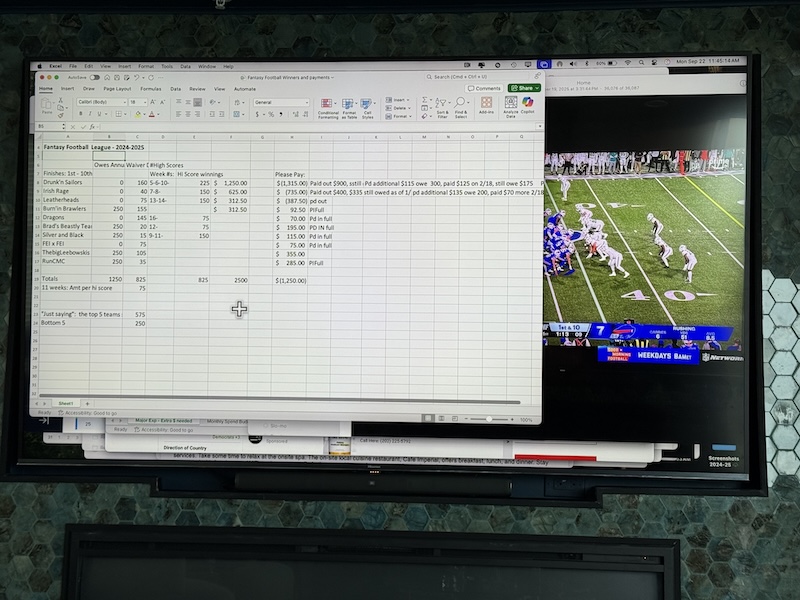
With my old 77”, despite the gorgeous picture quality, the problem was that my seating distance – roughly 11-12 feet from the TV, meant that text, images, videos, etc. appeared smaller on the 77” than on my 13” Macbook Air sitting on my lap. In other words, I was sitting too far away for it being practical to work spreadsheets, this Word document, or even read the news. I’m serious about this, in fact this entire article (as is usual) was written with my Mac laptop screen turned off using my TV as my monitor. It worked out great!
I either needed to sit a lot closer, or get a bigger TV. Now, at the same seating distance as before, everything on the 100” Hisense is a noticably larger than the same image on my laptop at its normal distance. Bottom line, for me the 100” makes it an excellent huge monitor, and the 77” from my seating distance, just couldn’t do it.
Here’s my example: A 100” TV viewed at 12 feet, fills your view about as much as a 13” laptop at normal laptop distance of 16 inches. But most folks have their laptops 20” or so from their eyes.
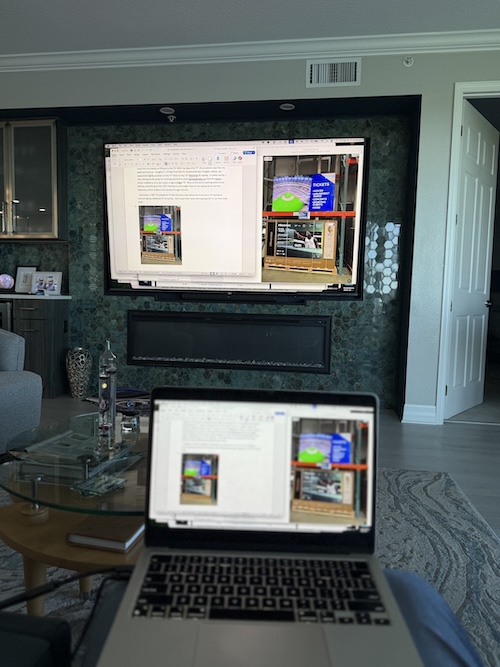
Translated: If you sit 12 feet back, and have a 65” TV, or even a 77”, everything – type, images, streams, will appear a good bit smaller than on a laptop at normal distance. That is, too small to be useful. The 100” size was the perfect solution for my needs.
Better For Watching TV!
I had a second reason. I’m a huge football, and fantasy football fan!
With the 100”, when I put Sunday Ticket up on the TV, I can watch 4 games at once in four quadrants. Consider, each one of those games is the same size as watching one game on a 50” TV.
You can still read the names on players’ jerseys, still read the fine text scrolling across the bottom with stats, other game updates, etc. Perfect!
And let’s not forget watching movies (and TV). With a 100” you are getting a movie theater like experience (if you turn down, or off, the room lighting).
Sadly, to get my 100”, I had to downgrade to what are referred to as a “Q” or Quantum dot type LED TV from my smaller OLED TV.
OLED – The Best of the TV technologies
So what’s the difference: OLED vs Everything Else
OLED Strengths
- Magnificent picture overall
- Accurate colors
- Highest saturation and contrast
- Ability to do display pure black when other technologies can, at best muster up dark grays when pure black is called for.
For this reason OLED sets, truly “pop”. The picture is stunning. Having spent much of my AV career in the commercial and home theater projector space, projectors ruled home theater for two decades because of the ability to do deeper blacks than TVs and also provide a much larger viewing surface. (Prior to moving to our condo, I never had a smaller projector setup than 124” diagonal – and when I had a 128” screen that was back in the day when the largest LCD TVs were 42” and 50”, aka tiny.)
Unlike all other TV technologies, OLEDs don’t use a backlight. Each OLED is its own light source. Tell it to do black and each one does. No light leaks out to turn blacks into greys.
BTW OLED screens on portable devices are why photos and videos on your Mac laptops, tablets and iPhones (and most other quality devices) look so great. They are almost all OLED!
Other OLED benefits:
- Generally OLED is both lighter, and thinner, than other TV technologies
- Virtually no roll off. Whether you are sitting straight back from an OLED TV or way off to the side, the colors, their accuracy, and richness remain almost identical. With other TV technologies, the further you are viewing it off angle, the worse the picture quality, because both brightness and contrast decrease rather rapidly as the angle increases. In some cases even expect a visible shift in the colors as you move far to the side. Yikes!
Nothing’s Perfect – OLED downsides – only two things come to mind:
- OLEDs aren’t as bright as most other types of TVs. Not that they are dim, but let’s say that most TVs are a one or two steps up in brightness. My 77” in the living room was bright enough in brightest modes, despite a lot of windows and glass doors. But, it was just bright enough, with very little to spare in that room, unless I closed the blinds. By comparison, the 100” Hisense is really a good bit brighter, the difference is obvious. Of course, my room with lots of light coming in is brighter than most folks’ rooms, so please note: OLED brightness really isn’t a problem for the vast majority of people. If you have a bright room, keep that in mind, if not, then the only downside is the price of OLED TVS.
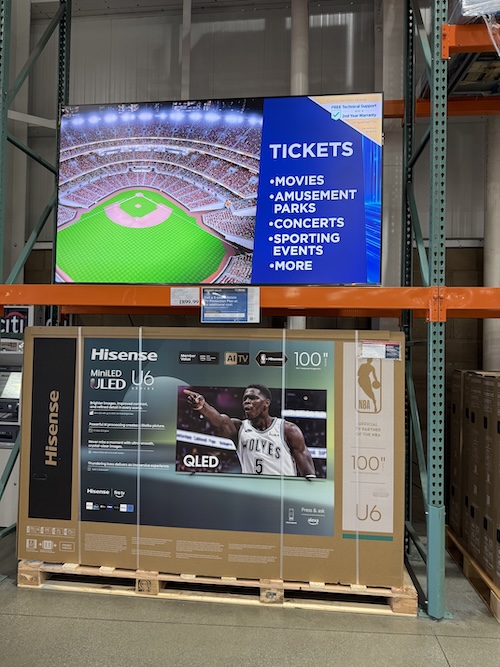
- Price! No matter how you slice it, OLED TVs, inch for diagonal inch, are far more expensive than any other TV technology. Today, at Costco you can get a 100” TV for as low as $1699 last time I looked – which was very recently. (When I got my 100” Hisense back in February 2024, it was about $3500).
That’s a great thing about TVs: The picture size keeps getting bigger, and the prices for any given size, keep getting smaller!
-
- When it comes to price, in 2019 when I had purchased my 77” LG, The total cost came out to about $5000. Today, in Costco, you can find 77” OLEDs starting at around $1499, with even the most advanced not much more than $2000.
Part 2: Comparing different TV Technologies, and their Pricing