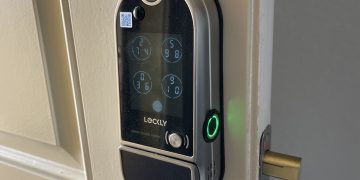
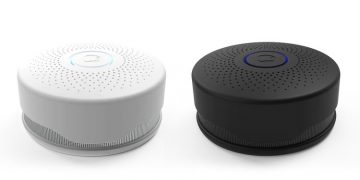

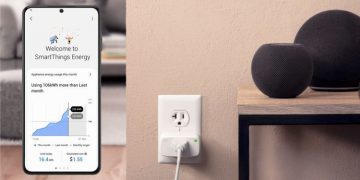
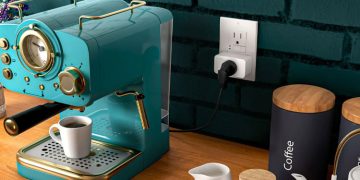


One of the biggest features I enjoy with the Amazon Echo is the functionality it brings to home automation. After all, that is a focus here are SHA. We went through skills and how Amazon uses them to add additional functionality to Alexa. I highlighted some of the skills that were available in the smart home

category. There were quite a lot. All of the skills from smart home device companies had very good ratings to compliment their availability. The use of adding Skills to enable smart home functionality are new as of around April of this year.
When I first began using my Wink hub and then shortly after the Amazon Echo. Adding a smart hub to the mix was a little different. You would open the app, go to the smart home section and select the smart hub you would like to connect to the Echo. There were 4 or 5 at the time if I remember. Once the hub was selected, you are prompted to log into your smart home hub account and a connection would be made to the Echo.
The app and website today leverage the feature of installing skills to enable features like the Wink smart hub. This will be great as the amount of smart home skills grows for the Amazon Echo.
There are a fair amount of users who stumble into home automation products and start to deploy them through out there house without a smart hub to bring them all together. The Amazon Echo can work great for those users as well.
As long as there is a skill available to support the device, you can add it to your Echo and access it with voice commands. After you install the skill getting the Echo to find the devices is as simple as everything else.
One easy command, Alexa, scan for new devices. Alexa will quickly respond with an OK, scanning for new devices. Alexa will inform you this could take up to 20 seconds. She will also inform you that if you are adding Philips Hue lighting, make sure that the pairing button on the bridge is activated.
A few seconds later, Alexa will announce how many devices she has found.