




Give Your Loved Ones the Gift of Smart Home Automation!
The holidays have arrived, and with it, shopper’s anxiety. What do you get for the person who has it all? Or the dad who, despite your best efforts, remains the most difficult to shop for? Have no fear, Smarter Home Automation is here to provide some great gift ideas for that special person in your life. The guide features smart products for the home that make life easier, such as personal assistants, smart lighting, video doorbells, and more.
The great thing about all these products is that you can get them without breaking the bank, with most costing less than $100, or around that price point. Get your loved ones the gift of home automation this year, so they can stop living in the dark ages, manually switching on lights. With voice-activated smart lights, video monitoring from your phone, and a host of other cool applications, converting to a smart home has never been so much fun, and there are lots of benefits too, like saving money on utilities.
What’s In The Guide?
This year’s holiday guide has some great smart products from big names like Sylvania, Lutron, Skybell, and more. Here’s what to expect:
PART ONE
- Lightify Flex RGBW Smart Strip Lights
- Sylvania Lightify Gardenspot Mini RGB
- LIFX Smart Light Collection
PART TWO
- Lutron Caseta Starter Kit
- Wink Hub 2
- Smart Video Doorbells – Skybell, Ring, and August
PART THREE
- Our Feature Piece: Alexa, Siri, and Hey Google – The Three New Magi of The Holidays
PART FOUR
- Schlage Sense and Schlage Connect
- Top 5 Picks for Smart Products
Lutron Caseta System – A Reliable, Whole Home Solution!
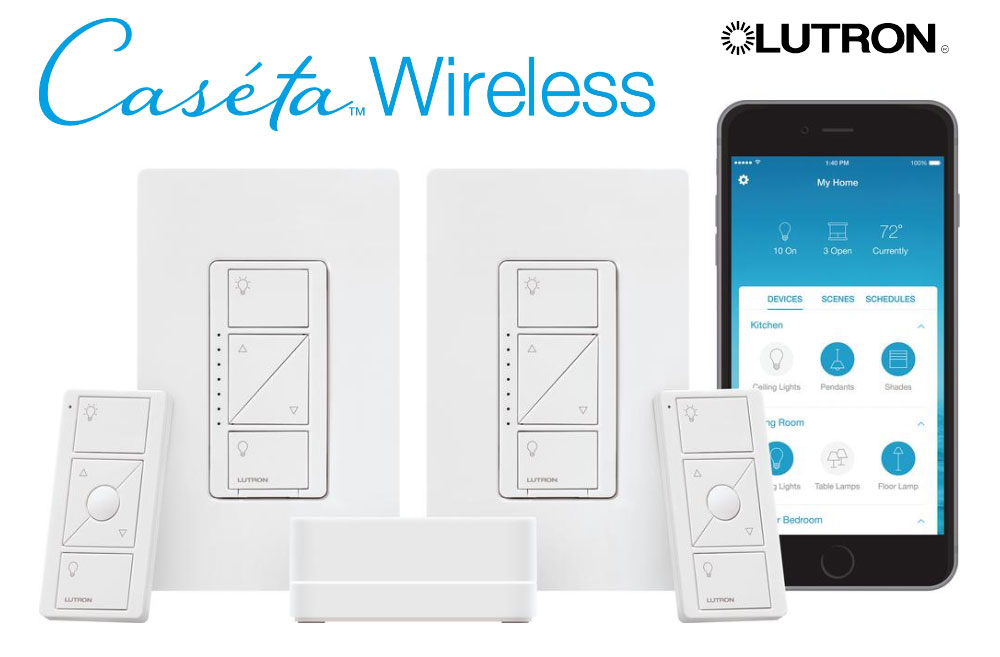
Lutron is a high-end company known for their sophisticated systems for home and commercial installations. They offer three systems, which are, of course, at three different price points. We’ve reviewed their Caseta wireless system, which includes a Smart Bridge, as well dimmers and wall switches. Art has these installed all over the house and uses Amazon’s Alexa to control them. The system also works with Apple HomeKit – that’s a major plus, as Apple has tighter security measures for products working with Siri. Much of the competition does not work with Siri, so consider that add extra value.
You’ll need the Smart Bridge to control all of the Lutron devices in your home and to interface with your WiFi system. This allows you to control everything from your smartphone, tablet, or laptop, to set up schedules and scenes. Since it’s WiFi, you’ll want to make sure the signal reaches the smart dimmers and switches, or else get a WiFi extender. Easy enough. The Lutron Caseta system also works with other controllers like SmartThings and Wink/Wink 2.
You can certainly install the system yourself, but if you’re not the DIY type, an electrician or handyman should do the trick. Art hired someone who has worked with Lutron before, and that made it a quick and easy process – no getting your wires crossed, so to speak. The smart switches and dimmers install directly into your wall in place of your old, dumb switches, and are attractive and sleek.
Art did the review for the Lutron Caseta system and has nothing but wonderful things to say about it. He found it to be most reliable and predictable piece of home automation he has, in that it always works. It works with Apple HomeKit, Alexa-enabled devices like the Amazon Echo and Dot, and, most recently, the Google Assistant, making it a great solution no matter what you use to control your home.
With the capable app, you can set schedules, set up scenes, and even control shades, as well as interact with some thermostats. The Lutron Caseta Starter Kit can be found online for $160. This is your best deal, as it comes with a Smart bridge, two dimmer switches with wall-plates, and two pico remotes. You can also buy individual pieces, such as the Lutron Caseta Dimmer Switch for $59.95. Art has a total of around 40 lights being controlled by ten switches, so check out his review to see how the Lutron Caseta system can be your lighting solution for the whole home.
Wink 2 – A Smart Hub to Control All Your Devices
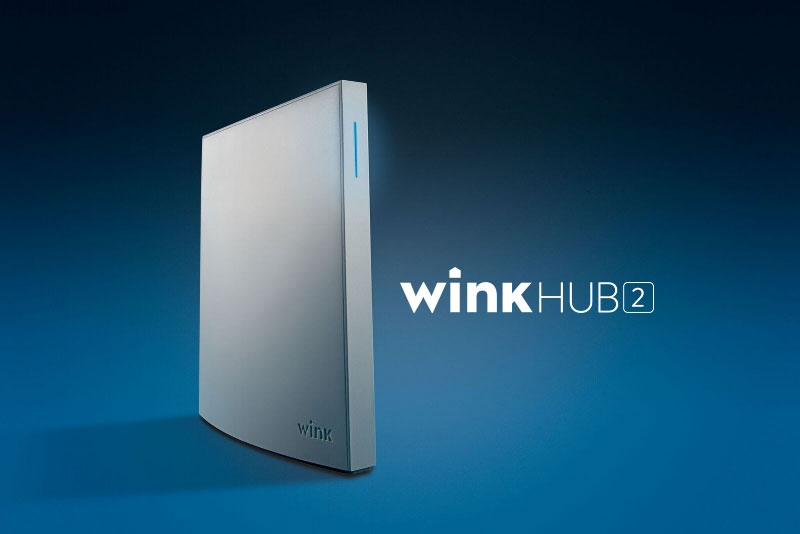
Wink Hub 2 is a definite upgrade to what our reviewer, Dave, calls, “one of the best home automation hubs on the market.” Just what is a home automation hub? It’s a device that allows you to control all of your smart products from one place, and the Wink 2 is a hub that will allow your devices to interact with one another via a schedule or a series of triggered events. The Wink 2 can bring all of your products to work together to create a whole-home solution.
The Wink 2 has some of the best protocol support around with support for Bluetooth LE, WiFi, Lutron Clear Connect, Kidde, Z-Wave and Zigbee. This allows you to use the best products on the market. Whether you’re just getting started creating your smart home solution or looking to bring a slew of smart products together, Dave emphatically recommends the Wink 2.
Why does the Wink 2 come so highly recommended? Dave says the Wink app is feature-laden, with the added bonus of tutorials, FAQ’s, and manuals being contained within the app for support at your fingertips. The hub has support for loads of compatible devices, making it desirable for those who have smart products from many different brands. Finally, the Wink 2 provides stability and updates, with Wink’s track record for this being nothing but solid.
The Wink 2 improves upon its predecessor with better network options, such as an Ethernet port, more memory and auto-discovery as well as guided setup – the original Wink was a more manual setup. If you’ve already got a Wink, you don’t have to abandon it in favor of the Wink 2. The company has made it so you can have multiple hubs within the home. Dave says he’s a fan of the Wink app, which is where you’ll be controlling your devices from, and it supports scheduling – even better.
Check out Dave’s review of this awesome smart hub. You can get the Wink 2 for $99 on their website. There are also bundle deals available, such as this one that comes with the Wink 2 and two smart bulbs for $119. The smart hub can also be found in other DIY and electronics stores. The perfect gift for your home automation fanatic, so put the Wink 2 on your shortlist!
Smart Video Doorbells – Skybell, Ring, and August
Always know who’s at your door with a smart video doorbell! Dave reviewed three of these products and will be compiling a comparison report to be published before the end of the year, but here’s a taste of what each video doorbell has to offer. Those doorbells are from: Skybell HD, Ring, and August.
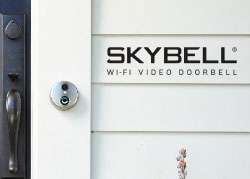 The Skybell HD is a great piece of home automation that can integrate with the system you already have in place, as it works with Nest, the Amazon Echo, and iControl, just to name a few. It also has support for IFTTT and Stringify. The Skybell HD has some pretty exciting features such as full color HD video with 5x zoom, and a motion sensor that alerts you to a visitor’s presence, even if they did not press the button to ring the bell. It has live monitoring so that you can stream the video from the doorbell right to your phone, as well as download the videos to watch. It has two-way audio, night vision, and other awesome features – read the review to discover them all.
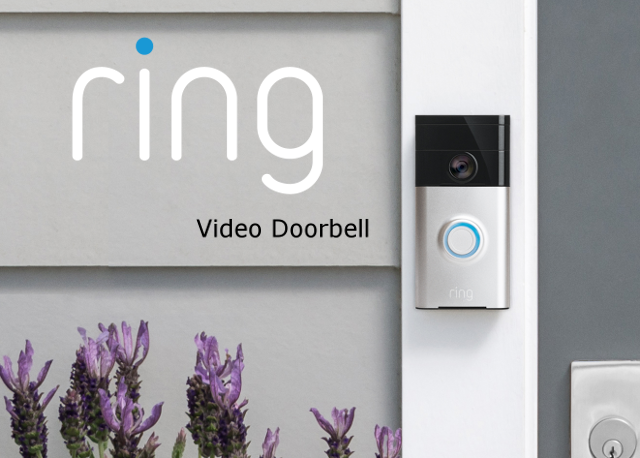
The Ring video doorbell is a popular choice, with lots of features to back it up. The Ring has a 720p HD camera with a motion sensor to alert you when a visitor reaches your doorstep and allows you to configure its motion zones. It, too, has two-way audio so you can have a conversation with visitors right from your phone. With infrared night vision and lifetime purchase protection, the Ring is a video doorbell to consider. Overall, Dave found it to be a very capable device. Check out Dave’s full review to learn more!
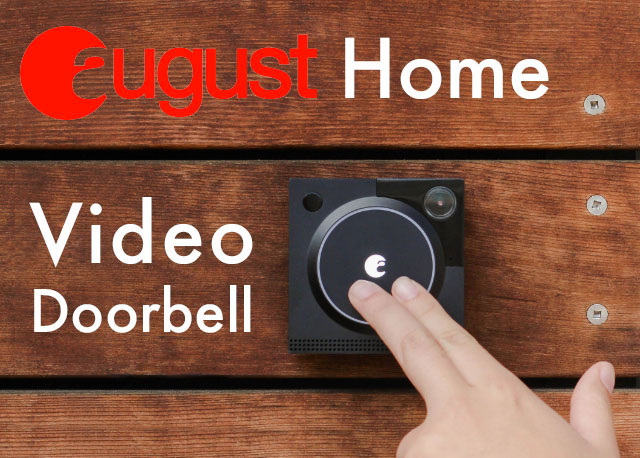
The final video doorbell is by August Home, which is an interesting find. It offers video in SXGA resolution (1280 x 960), which is a 4:3 aspect ratio – that means it’s a square image like those seen on the old TVs and monitors before the transition to wide screen formats. Most manufacturers are offering HD in 1080p or 720p. The August Video Doorbell has a 120-degree diagonal field of view, and delivers good performance with some great mounting options. You can view the activity of the doorbell within the app, and August offers some cool services for AirBnB type rentals for extra security. Read Dave’s review to find out more.
Now, about pricing. These doorbells are across the board. The Skybell HD goes for $189.99, and comes in silver or bronze. The Ring video doorbell is $145 for the silver, and just a couple dollars more for the bronze. Finally, the August video doorbell goes for about $140, and you can get a bundle deal that includes the August Smart Lock and the video doorbell for $429, if you’re also looking for a smart lock. Dave decided on the Skybell HD because of the extensive features it offers – make sure to check out the reviews to compare doorbells, so you can find the one that is right for you!